EMR Software
The Most-Loved Documentation System for Rehab Therapy
Spend less time documenting and more time treating patients with Electronic Medical Record (EMR) software built for rehab therapists.

Document the way you’re supposed to.
As the leading EMR software designed by therapists for therapists, WebPT aligns with rehab therapy workflows to support the unique needs of physical therapists, occupational therapists, and speech-language therapists.
Spend less time documenting.
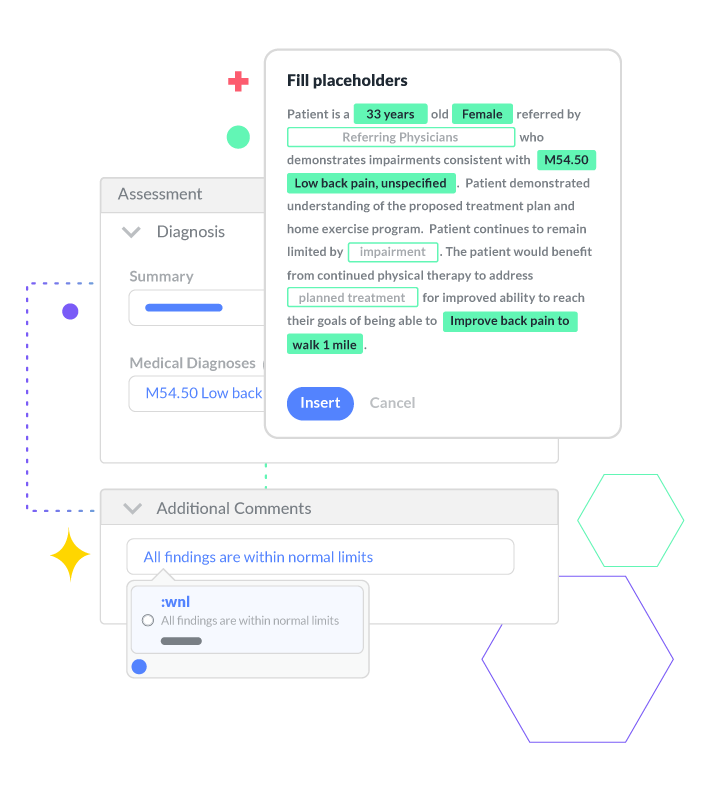
Get the EMR software that makes charting 30% faster—so you can stop taking notes home with you and focus more on patient engagement and improved clinical outcomes.
Leave pre-charting behind.
Pre-populate multiple sections of your note requirements before you even start typing with profiles specific to diagnoses, body regions, or payers you treat frequently. You can also populate your initial evaluation with your favorite objective tests, goals, interventions, planned procedures, and more.
Say goodbye to repetitive typing.
Create detailed documentation with just a few keystrokes with Smart Charting. You can expand shortcuts into full phrases or even templates. Then, it’ll automatically transfer patient data into your text expanders so you can create detailed documentation in a fraction of the time.
Keep your notes consistent.
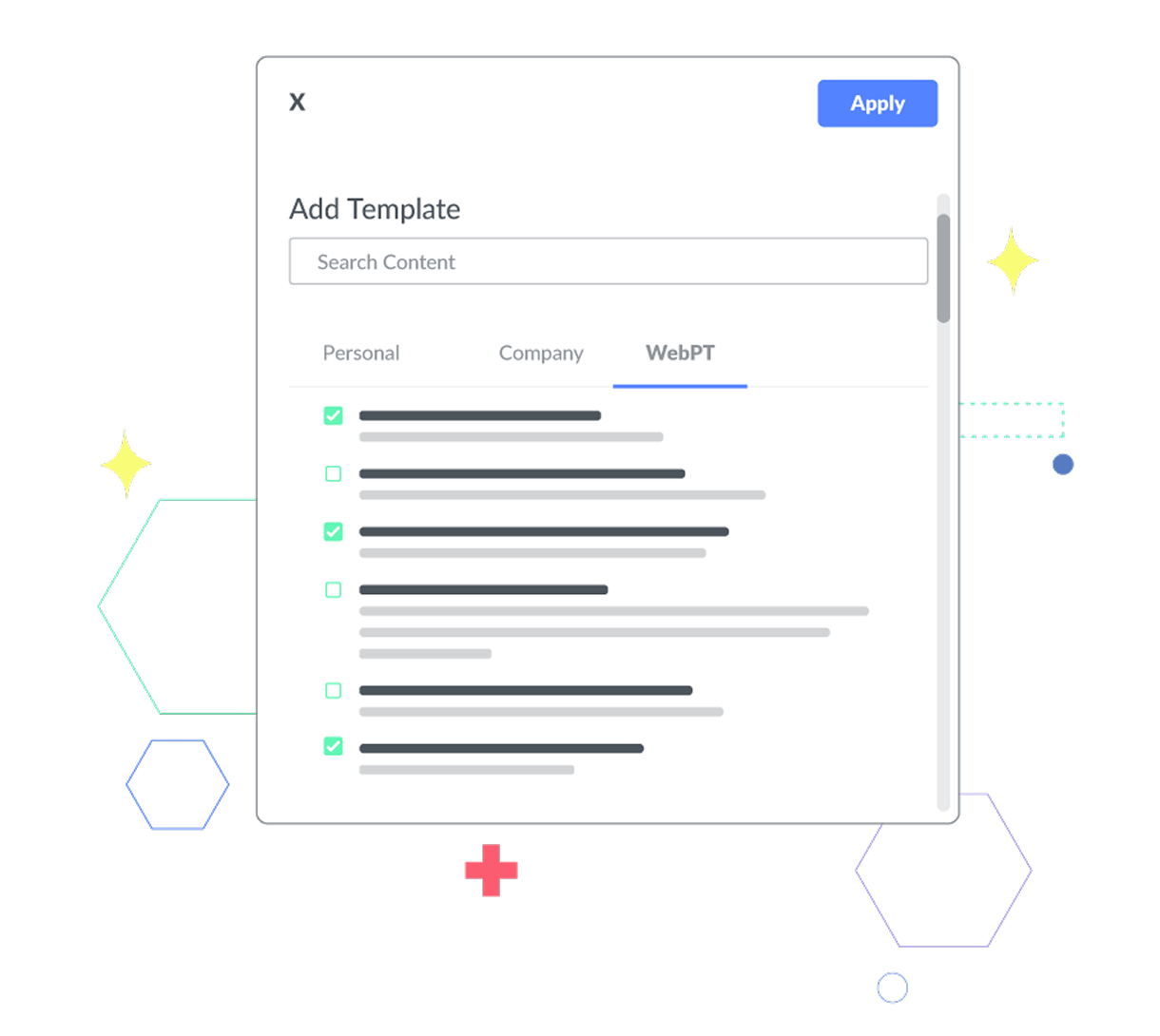
Leverage out-of-the-box templates and specialty documentation content or configure to your heart’s content.
Hit the ground running.
Get started with 20 out-of-the-box templates built by WebPT’s compliance and documentation gurus. Each one is geared toward rehab therapy and its various subspecialties to ensure your therapists have what they need to succeed.
Customize your note configuration.
Choose the main information you want visible on every note to improve documentation standardization across your entire team and exclude any fields that aren’t relevant to your practice to simplify charting and reduce noise for your therapists.
Leverage seamless integrations.
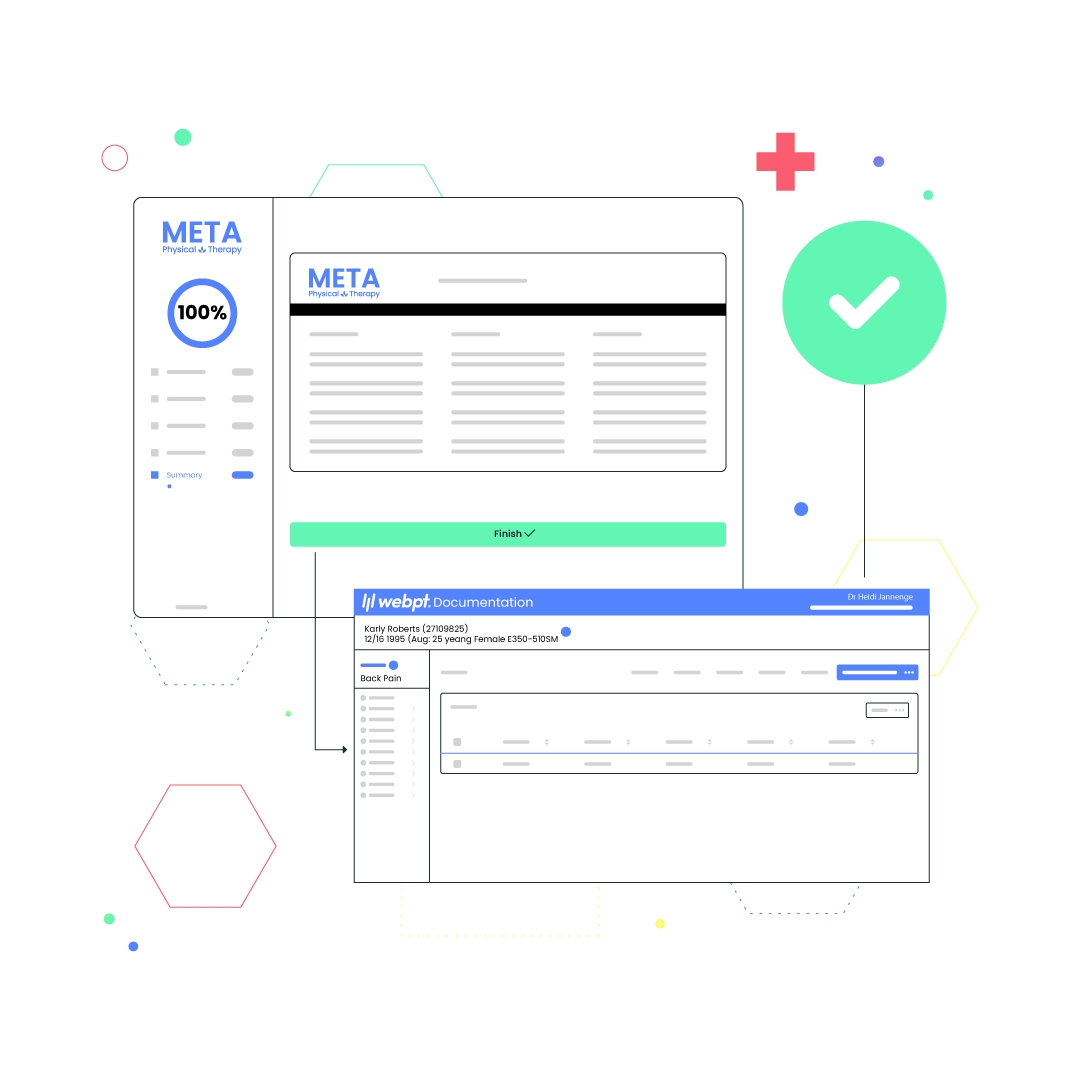
Unify your practice tools and utilize solutions that automate manual tasks for your clinical and front-office staff.
Capture essential information upfront.
Start appointments on time by allowing your patients to complete their digital intake forms and outcome measure surveys before their first visit. This creates an improved patient experience while saving your staff valuable time.
Reduce all the manual data entry.
Say goodbye to paper forms and jump-start charting. Patient information from completed digital intake forms and outcome measure surveys flow directly into your notes—meaning fewer manual data entry errors and more time with your patients.
Streamline the experience for your clinicians.
With a modern, intuitive user interface designed by therapists for therapists, the WebPT EMR makes it easier to document and remain compliant.
Avoid starting from scratch for every appointment.
Automatically pull forward information from your previous note, so you only need to update what’s changed from visit to visit. Need to switch from progress note to discharge without skipping a beat? You can easily change note types on the fly without losing any of the data you’ve entered.
Breeze through compliance requirements.
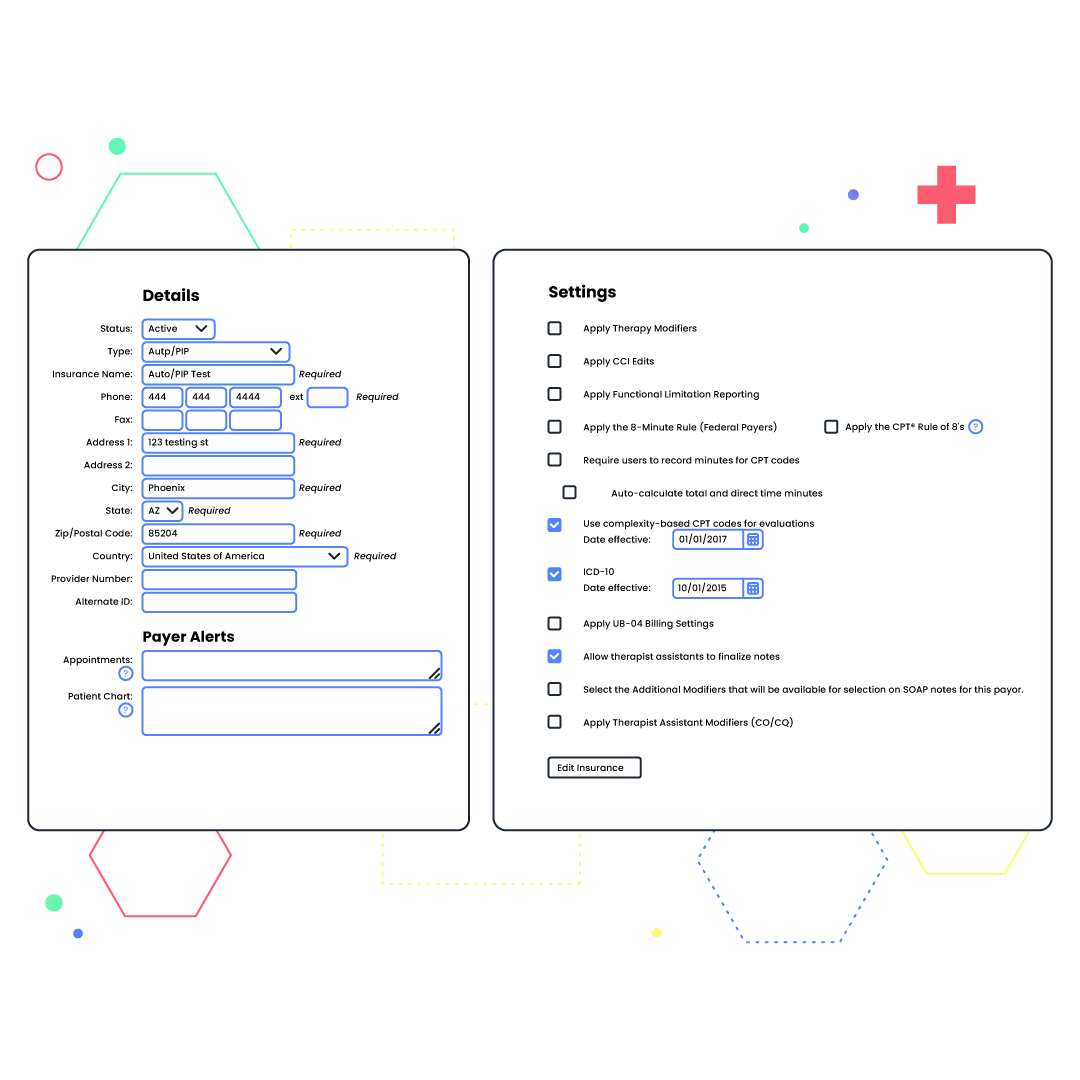
Built-in compliance alerts and safeguards, including NCCI edits, the 8-minute rule, MIPS, and the therapy threshold, let you know when patient information is incorrect or payer-specific requirements have not been met. Can’t bill more than three units for a particular patient’s insurance? We’ll notify you. Won’t receive reimbursement for therapeutic exercise from a certain payer? We’ll alert you to that, too. You can even create custom alerts for pretty much anything—from patient-specific allergies to heightened fall risk.
“WebPT’s SOAP notes are perfect for any clinic looking to improve the efficiency of documentation to allow for a better experience for both the therapist and the patient.”
See why WebPT is the best Physical Therapy EMR.

Got a specialty?
So do we.
Our business is your business, and we know there are a lot of niches in the world of therapy. That’s why we offer specialty-specific documentation modules for both rehabilitative and habilitative therapy, including speech-language pathology, pediatrics, feeding, counseling, occupational therapy, vestibular, neuro, ortho, and pelvic health.

Looking for ways to save time?
Us, too.
Since the beginning, we’ve focused our solutions on supporting rehab therapists' needs and boosting their productivity to make managing their practices easier. That’s why we offer various automated features to enhance your efficiency, boost your bottom line, and allow you to spend less time on documentation and more time treating patients.

Drowning in Medicare rules?
We’re your life raft.
Make Medicare and payer compliance a breeze with our integrated solutions for functional limitation reporting, MIPS, and KX modifier threshold tracking. Plus, ensure proper billing and prevent coding errors with our built-in 8-minute rule and NCCI edit functionality.
Frequently Asked EMR and EHR Questions

Real practices, real results.
